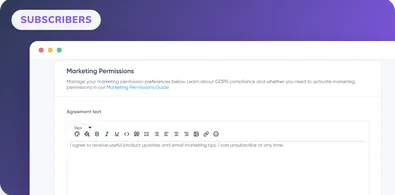
Marketing Permissions
The Marketing Permissions page helps you manage the data processing agreement for your registration forms.
Complete Maildroppa tasks with current prerequisites, interface steps, result checks, and troubleshooting. Search by feature or browse the guides.
Stop juggling bloated tools or overpriced plans. Maildroppa offers personal support, privacy-conscious controls, and powerful email marketing - starting free forever.
No credit card required. No time limit.
The Marketing Permissions page helps you manage the data processing agreement for your registration forms.
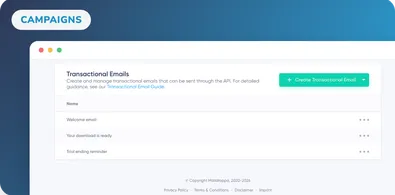
Learn how to create, edit, and manage transactional emails. This guide covers crafting compelling content, using personalization, and automation insights.
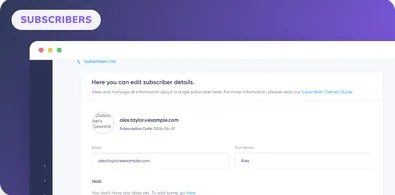
Learn how to edit subscriber profiles, fields, tags and status, add internal notes, and review campaign deliveries, opens, clicks, bounces and complaints.
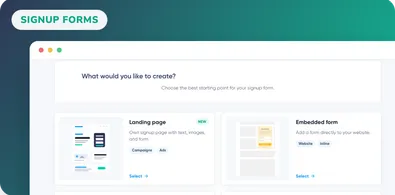
Learn how to create, publish, embed, share, and track Maildroppa signup forms and landing pages from the redesigned Signup Forms Overview dashboard.
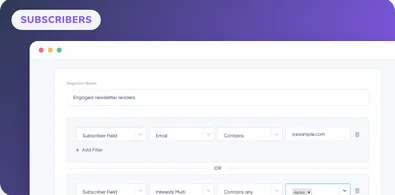
Segments allow you to divide your subscribers into different subgroups and then target your newsletter campaigns specifically to the needs of these subgroups.
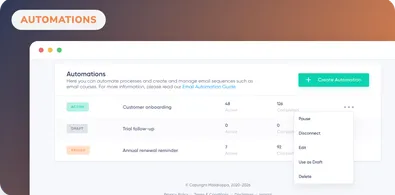
Learn how to build Maildroppa automations with signup, field, tag, event and webhook triggers, inline emails, lead magnets, delays and conditions.
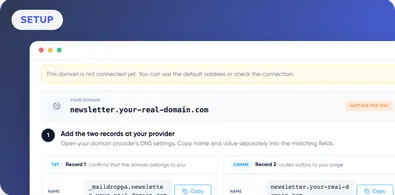
Connect and verify a custom Maildroppa landing page domain, configure TXT and CNAME records, and troubleshoot DNS verification problems.
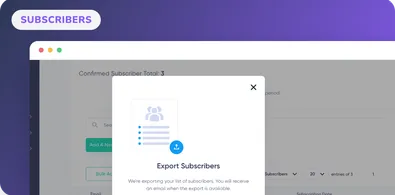
Exporting subscribers from Maildroppa is a simple process: choose subscribers to export, start the export process
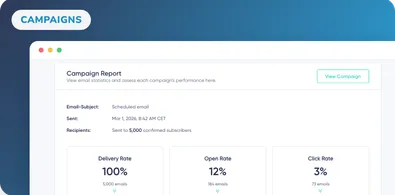
Maildroppa includes informative analytics that allow you to review data relating to your Sent Emails by clicking on the title of a specific email.
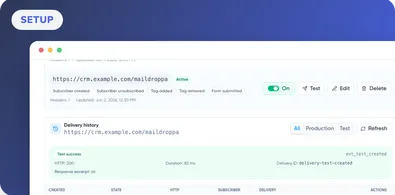
Learn how to create Maildroppa webhook endpoints, select events, add secure headers, verify signatures, test deliveries, inspect retries, and replay events.
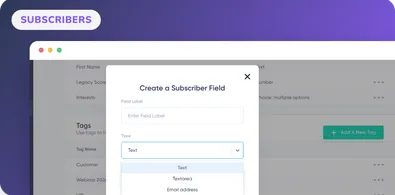
Learn how to create choice and multi-select subscriber fields, manage tags, archive or restore data, and add or remove tags in bulk.
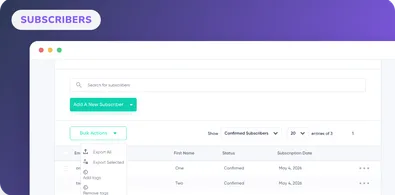
Learn how to review subscriber reports, search and filter contacts, add or remove tags in bulk, import, export, and safely delete subscribers.
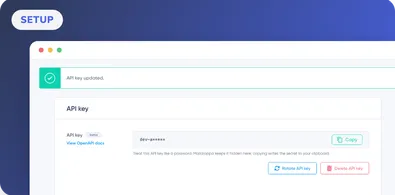
Learn how to create, copy, use, reset, rotate, and delete your Maildroppa API key securely for server-side integrations and API automations.